Future Fronts (EARLY PLAYTEST COPY)
A downloadable game
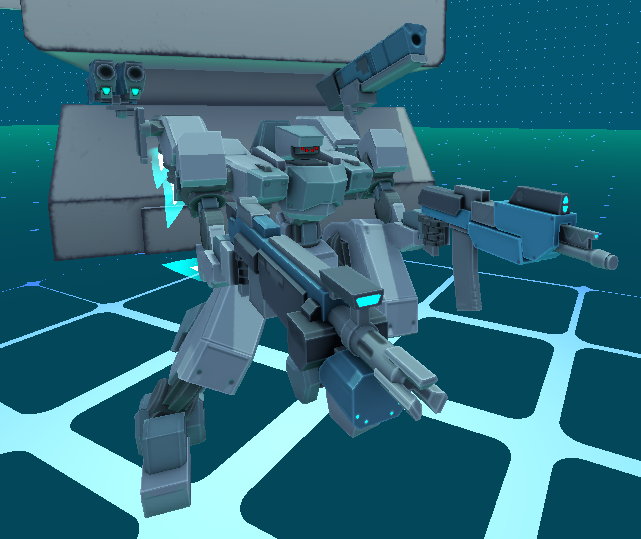
Future Fronts (working title) is a custom-mecha action game built in the Godot Engine, in this early playtest copy you can build your mech from a selection of playtest parts and weapons and play through a segment of the early game.
Send feedback to this email address: futurefrontsfeedback@gmail.com
THIS IS A VERY EARLY ROUGH BUILD OF THE GAME MEANT ENTIRELY FOR PUBLIC PLAYTESTING AND FEEDBACK, IT IS NOT REPRESENTATIVE OF THE FINAL PRODUCT
A tutorial is available in-game and the shop/build menu provides information on what different parts do for your build.
Not all mechanics are completed or finalized, some stats and systems haven't been integrated. A few of these systems will be designed based on playtest feedback.
Feedback is highly encouraged and valuable for the development of this project.
UI CONTROLS :
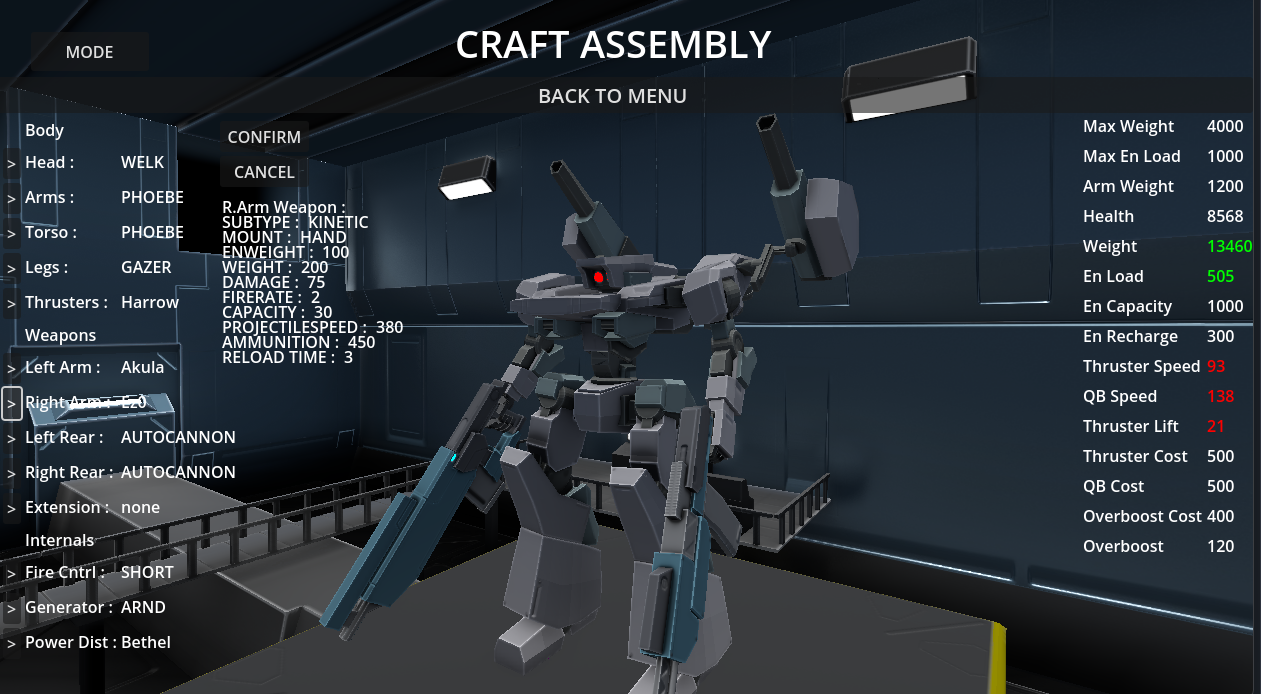
To enter the customization menu, click on the HANGAR button on the main menu. Cycle through parts using the buttons on the left side of the screen, changes to important stats can be tracked on the right side of the screen and part stats will be displayed anytime a part is changed. To confirm a part change make sure to click the CONFIRM button in the upper left portion of the screen. To cancel any changes and revert to the last saved build press CANCEL. To switch to the paint menu click the PAINT MENU button and click it again to switch back to the part selection. Similarly there is a CONFIRM and RESET button in the paint menu. To switch which part of your mech you are currently painting, use the buttons on the left side of the menu. There is a SIMPLE mode which will let you paint either the entirety of your frame or the entirety of your weapons and an ADVANCED mode which lets you paint each part seperately. The UI is pretty bad looking, will be fixed in the eventual UI rework.
GAMEPLAY CONTROLS:
- WASD : Controls movement
- F : Toggles boosters on/off. When boosters are off you will fall at a normal rate instead of gliding. Moving with boosters does not consume energy.
- SPACE : Jump and UpwardBoost while in the air
- LEFTCLICK/RIGHTCLICK : Use your equipped left and right hand weapons
- Q/E or 1/2 : Use your equipped left and right back-mounted weapons (IT IS RECOMMENDED TO USE A MOUSE BUTTON SETUP FOR THIS)
- R : Action key, this has a few different uses. If you hold down the action key and use any of your reloadable weapons you will manually reload them. If you hold down the action key while moving against a wall and jump you will execute a wall jump.
- C : Overboost toggle.
- SHIFT : Quickboost, use this to dodge and dash around.
STAT TIPS:
Your quickboost has technical properties based on your part stats. It has a duration, given by your thrusters, an impulse time given by your thrusters and a peak time given by your power distribution system. During the duration of your quickboost your velocity will approach the maximum speed of your quickboost based on your impulse time(the lower the faster) and then stay at that speed based on the peak time(the higher the longer) before decreasing back down to your normal speed during the remaining duration.
Your power distribution system is a component that applies modifiers to your generator properties and tweaks the performance of other systems, currently the PDS only affects thruster and generator stats.
Your thrusters have an acceleration value, this determines how quickly you reach your maximum traveling speed while moving. This also affects how quickly and snappily you can switch from moving in one direction to the other. Your thruster acceleration will start at its base stat and be reduced based on how heavy your build is. You can counteract this reduction with the MANEUVERABILITY stat that is on your frame's legs. A heavy frame with low maneuverability will feel weightier and require more mindful control.
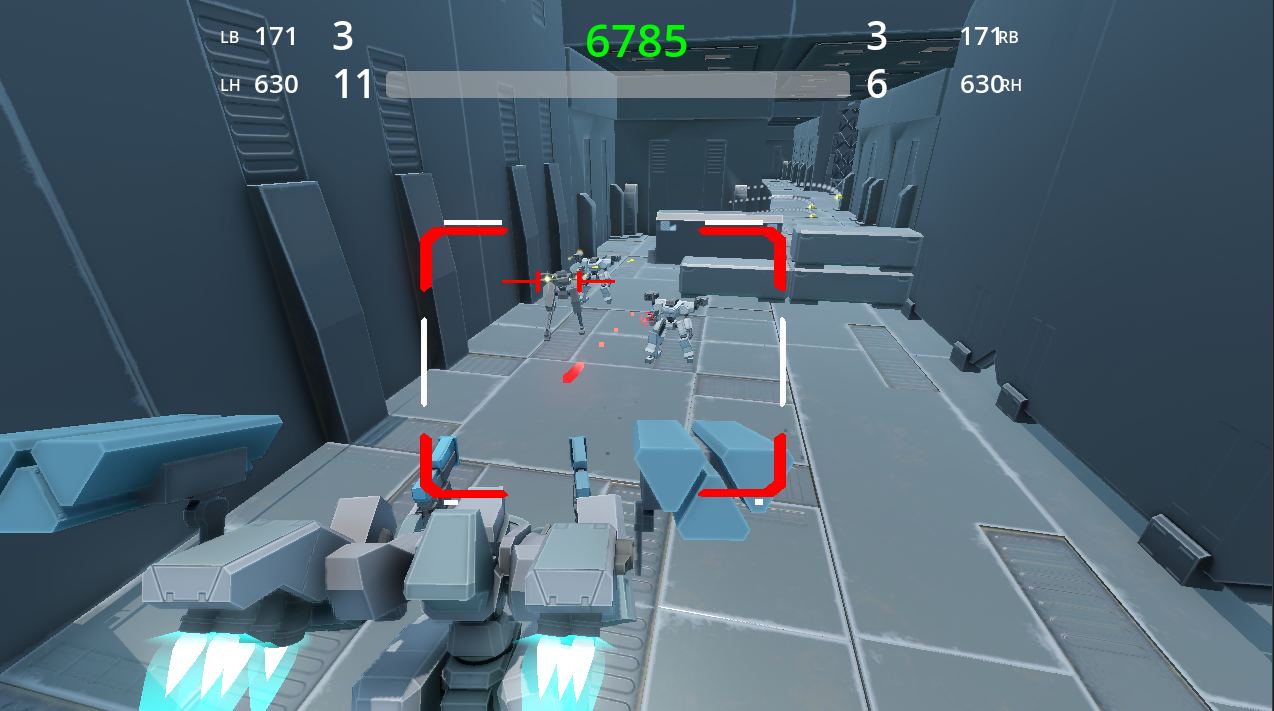
Your targeting system has an ideal range and a range spread. It also has an acquisition level and acquisition rate. When you lock onto a target your aim will initially not be on them perfectly but it will improve by your acquisition rate over time to a particular level. This lock level is improved greatly if you have your target within the range spread of your ideal range. There are three playtest targeting systems, one for each range. You will know your lock level as your lock box and reticule will turn from white to green and then red when you are above a 90 percent lock quality. At higher quality locks your frame will lead it's shots.
Download
Development log
- New Playtest Copy Available!Nov 22, 2025
- New Playtest Release This WeekendNov 17, 2025
- An Overdue Update on DevelopmentSep 28, 2025
- [HOTFIX V0.36] OOPS I BROKE IT AGAINMay 11, 2025
- [NEW PATCH] Playtest Version 0.35 AvailableMay 10, 2025
- Update on DevelopmentMay 04, 2025
Comments
Log in with itch.io to leave a comment.
i see potential